Why Gmail Doesn't Work for AI Agents
Why Gmail Doesn't Work for AI Agents
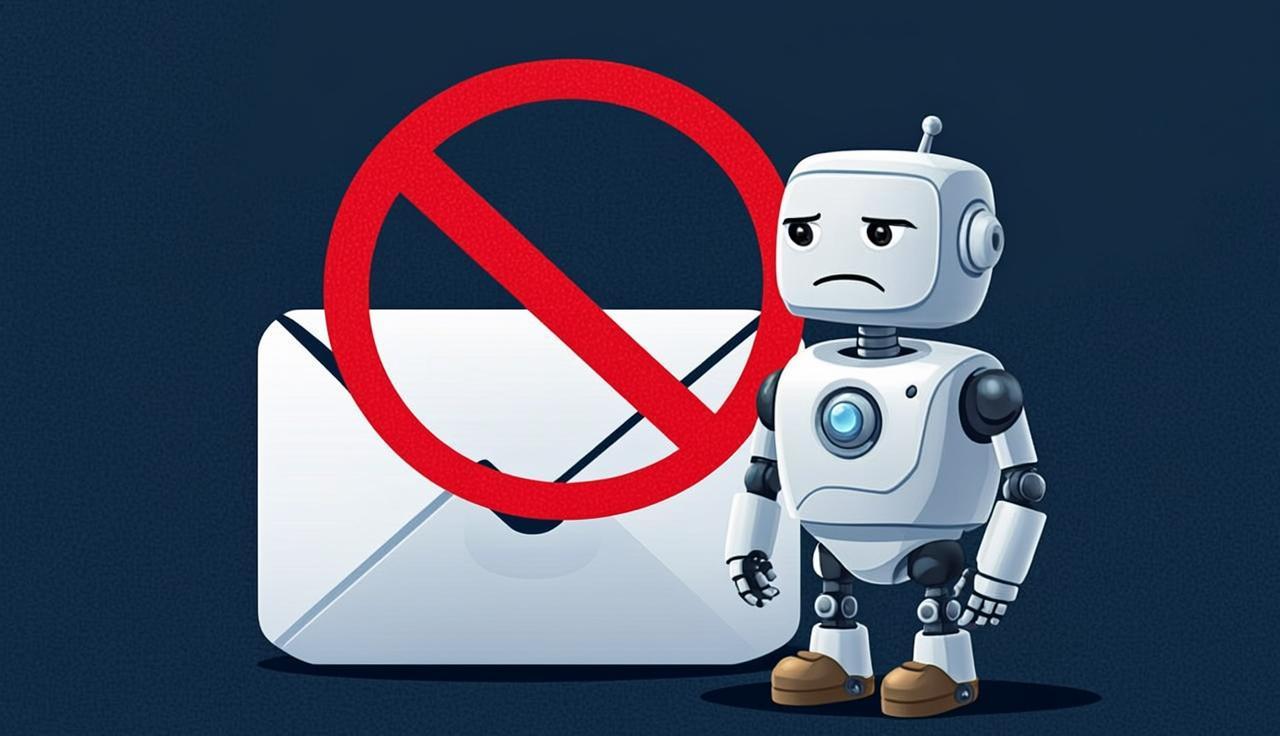
Gmail is the default answer when someone asks "how should my AI agent send email?" It's free, everyone has an account, and the API exists. So teams create a Gmail account for their agent, enable the API, and start building.
This works for about two weeks. Then the account gets locked.
Google's Terms of Service Prohibit It
Let's start with the legal reality. Google's Terms of Service and Acceptable Use Policy restrict automated access to Gmail accounts. The relevant provisions:
- No automated account creation. Creating Gmail accounts for bots violates Google's ToS. Google requires accounts to be used by real humans.
- No automated sending at scale. The Gmail API has a daily sending limit of 500 emails for consumer accounts and 2,000 for Google Workspace accounts. But Google can (and does) throttle well below these limits when it detects automated patterns.
- Account verification requirements. Google increasingly requires phone number verification and may challenge suspicious accounts with CAPTCHA or identity verification that automated systems can't complete.
When Google detects automated usage patterns — consistent timing, API-only access, no web UI sessions, high volume — the account gets flagged. First, you might see rate limiting. Then a security challenge. Then a full account lock.
Rate Limits Are Aggressive and Opaque
Gmail's rate limits are not just low — they're unpredictable. The documented limits are:
- Consumer Gmail: 500 emails/day, 500 recipients/day
- Google Workspace: 2,000 emails/day, 2,000 recipients/day
- API quota: 250 quota units per second per user
But the actual limits you experience are often lower. Google applies undocumented heuristics based on:
- Account age
- Account reputation
- Content similarity across messages
- Recipient engagement (opens, replies, spam reports)
- Time of day and sending patterns
An agent that sends 50 emails in an hour might get rate-limited. An agent that sends the same template to different recipients might get flagged as spam. An agent that sends at 3 AM local time might trigger abuse detection.
The error messages are vague: "You have reached a limit for sending mail" or "This account has been temporarily locked for security purposes." There's no dashboard, no clear threshold, and no predictable way to stay within bounds.
Account Bans Are Sudden and Unrecoverable
When Google locks an account, the consequences cascade:
- All outbound email stops. Immediately. No warning, no grace period.
- Inbound email bounces. Senders get delivery failure notifications.
- Existing threads are inaccessible. Your agent's entire email history is locked.
- Recovery is manual. You need to complete identity verification steps that may require a phone number, government ID, or a human sitting at a browser.
For a production agent, this means your automated workflow breaks with no programmatic recovery path. You're filing support tickets with Google and waiting days for a response.
If you've built a product on top of this — say, a customer service agent that communicates via email — you're explaining to your customers why their agent went dark.
Shared Credentials Are a Security Risk
Many teams try to work around the one-account-per-agent limitation by sharing a single Gmail account across multiple agents. This creates serious problems:
No isolation. Every agent can read every other agent's mail. If agent A is handling sensitive customer data and agent B is doing outbound sales, they share an inbox.
Credential rotation is impossible. If one agent is compromised, you have to rotate credentials for all of them. And rotating a Gmail password means reconfiguring every agent simultaneously.
Audit trails are useless. Gmail's activity log shows "API access from your application," but it can't distinguish which agent made which request.
Threading and Identity Don't Scale
Gmail's threading model is based on subject lines and In-Reply-To headers. This works for human email but creates problems at scale:
- If two agents send emails with the same subject line to the same person, Gmail may thread them together.
- If an agent needs to maintain multiple independent conversations with the same contact, Gmail's threading works against you.
- There's no way to programmatically create distinct identities within a single Gmail account. Send-as aliases exist but require manual verification.
What to Use Instead
The alternative is purpose-built email infrastructure for agents. Here's what that looks like with myagentmail:
// Each agent gets its own isolated inbox
const inbox = await fetch("https://myagentmail.com/v1/inboxes", {
  method: "POST",
  headers: {
    "X-API-Key": process.env.MYAGENTMAIL_API_KEY,
    "Content-Type": "application/json",
  },
  body: JSON.stringify({
    username: "support-agent",
    domain: "yourdomain.com",
    displayName: "Alex from Support",
  }),
}).then((r) => r.json());

// Send with proper threading
await fetch(`https://myagentmail.com/v1/inboxes/${inbox.id}/messages`, {
  method: "POST",
  headers: {
    "X-API-Key": process.env.MYAGENTMAIL_API_KEY,
    "Content-Type": "application/json",
  },
  body: JSON.stringify({
    to: "customer@example.com",
    subject: "Re: Your support request",
    text: "Thanks for reaching out. I've looked into this...",
    inReplyTo: originalMessageId,
  }),
});
Key differences from Gmail:
- No account bans. The infrastructure is designed for automated access. That's the entire point.
- Predictable rate limits. Documented, enforced consistently, and high enough for production workloads.
- Per-inbox isolation. Each agent has its own address, its own credentials, and its own API access.
- Programmatic everything. Create inboxes, send mail, receive mail, manage domains — all via API. No web UI required.
- Real-time inbound. WebSocket delivery of incoming mail, not polling against the IMAP server.
The Migration Path
If you're currently using Gmail for your agents and it's working, it will stop working eventually. The migration is straightforward:
- Set up a custom domain with myagentmail (takes 5 minutes to add DNS records).
- Create inboxes that match your agents' identities.
- Update your agent code to use the myagentmail API instead of the Gmail API.
- Redirect inbound mail by updating MX records.
The API is simpler than Gmail's — there's no OAuth dance, no token refresh logic, no scope management. A single API key authenticates all requests.
Gmail is excellent email for humans. It was never designed for agents, and Google actively works to prevent automated access. Building production agent workflows on Gmail is building on a foundation that's designed to reject you. Use infrastructure that's built for the job.