A LinkedIn API That Actually Sends Messages
LinkedIn API for AI Agents: Send Messages, Connect, and Read Conversations
If you've gone looking for a LinkedIn API to send messages or connection requests from your code — or searched "how to get a LinkedIn API key" — you've probably hit the same wall everyone does: the official API won't let you. This post explains exactly what LinkedIn's API does and doesn't allow, why the thing you actually want isn't in it, and how an AI agent can send messages, send connection requests, and read conversations programmatically anyway.
What the official LinkedIn API actually gives you
LinkedIn does have an official API, but it's narrow and gated. For a normal developer app, you get:
- Sign In with LinkedIn (OpenID Connect) — authenticate a user and read basic profile fields.
- Share on LinkedIn — post content as the authenticated member.
- Marketing / Ads APIs — campaign management, gated behind partner approval.
What you do not get from the public API:
- No messaging API. There is no public endpoint to send a 1:1 LinkedIn message.
- InMail is recruiter-only. Sending InMail programmatically requires the Recruiter/Talent Solutions partner program — not available to a typical app.
- No connection-request API. You can't send connection invitations through the public API.
- No "get a LinkedIn API key for messaging." The key you'd create in the LinkedIn Developer portal authorizes sign-in and sharing — not messaging or connecting.
So if you searched "LinkedIn messages API" or "LinkedIn InMail API" and came up empty, that's why. The capability simply isn't exposed publicly.
How to actually send LinkedIn messages from code
Because the official API doesn't cover messaging or connections, the working approach is a session-based API: you authenticate as a real LinkedIn account and drive the same actions a person can, programmatically. That's what MyAgentMail's LinkedIn layer does — it gives your AI agent a clean REST/SDK/MCP interface over LinkedIn:
- Log in with email + password — PIN and mobile-app verification challenges are handled for you.
- Send messages and connection requests to profiles.
- Read conversations and list your 1st-degree connections + sent invitations.
- Search content — find people posting about a topic in the last 24 hours.
- Publish posts (text + image).
- Intent signals — a recurring watcher that fires a webhook when someone posts something matching a plain-English rule.
Session cookies are encrypted at rest (AES-256-GCM), and the runtime distributes activity across every connected account so per-account limits stay safe.
Authenticate
import { MyAgentMail } from "myagentmail";
const mam = new MyAgentMail({ apiKey: process.env.MYAGENTMAIL_KEY });

// Email + password login — challenges (PIN, mobile approval) handled for you.
const { sessionId } = await mam.linkedin.login({
  email: "you@example.com",
  password: process.env.LI_PASSWORD,
});
Send a message
await mam.linkedin.messages.send({
  sessionId,
  profileUrl: "https://www.linkedin.com/in/some-person/",
  message: "Hi Dana — loved your post on agent infra. Mind if I ask a question?",
});
Send a connection request
await mam.linkedin.connections.send({
  sessionId,
  target: "https://www.linkedin.com/in/some-person/",
  message: "Hey — building in the same space, would love to connect.",
});
That's the part the official API can't do, in three calls.
"How do I get a LinkedIn API key?"
For sign-in and sharing: create an app in the LinkedIn Developer portal and you'll get a client ID/secret. For messaging, connections, or reading conversations, there is no key to get — the public program doesn't offer those scopes. A session-based API like the one above is the practical path, and it's authenticated as your own account rather than a LinkedIn-issued app credential.
A note on rate limits and safety
LinkedIn watches for automation, so volume discipline matters. A session-based layer should pace actions per account, geo-match the login location, and let you spread work across multiple accounts rather than hammering one. MyAgentMail handles this distribution automatically — daily capacity grows as you connect more accounts — but you're still acting as real accounts, so keep volumes human and your messaging relevant. Use this for genuine, targeted outreach, not spray-and-pray.
When the official API is enough
If all you need is "Sign In with LinkedIn" or posting a share as the logged-in user, use the official API — it's first-party and stable for those jobs. Reach for a session-based API only when you need the things LinkedIn doesn't expose: sending messages, sending connection requests, reading conversations, and monitoring posts for intent. That's the gap, and it's exactly where an agent-native layer earns its keep.
Get started
- See the LinkedIn product page for the full capability list and pricing.
- Browse the LinkedIn API reference for every endpoint (login, messages, connections, signals).
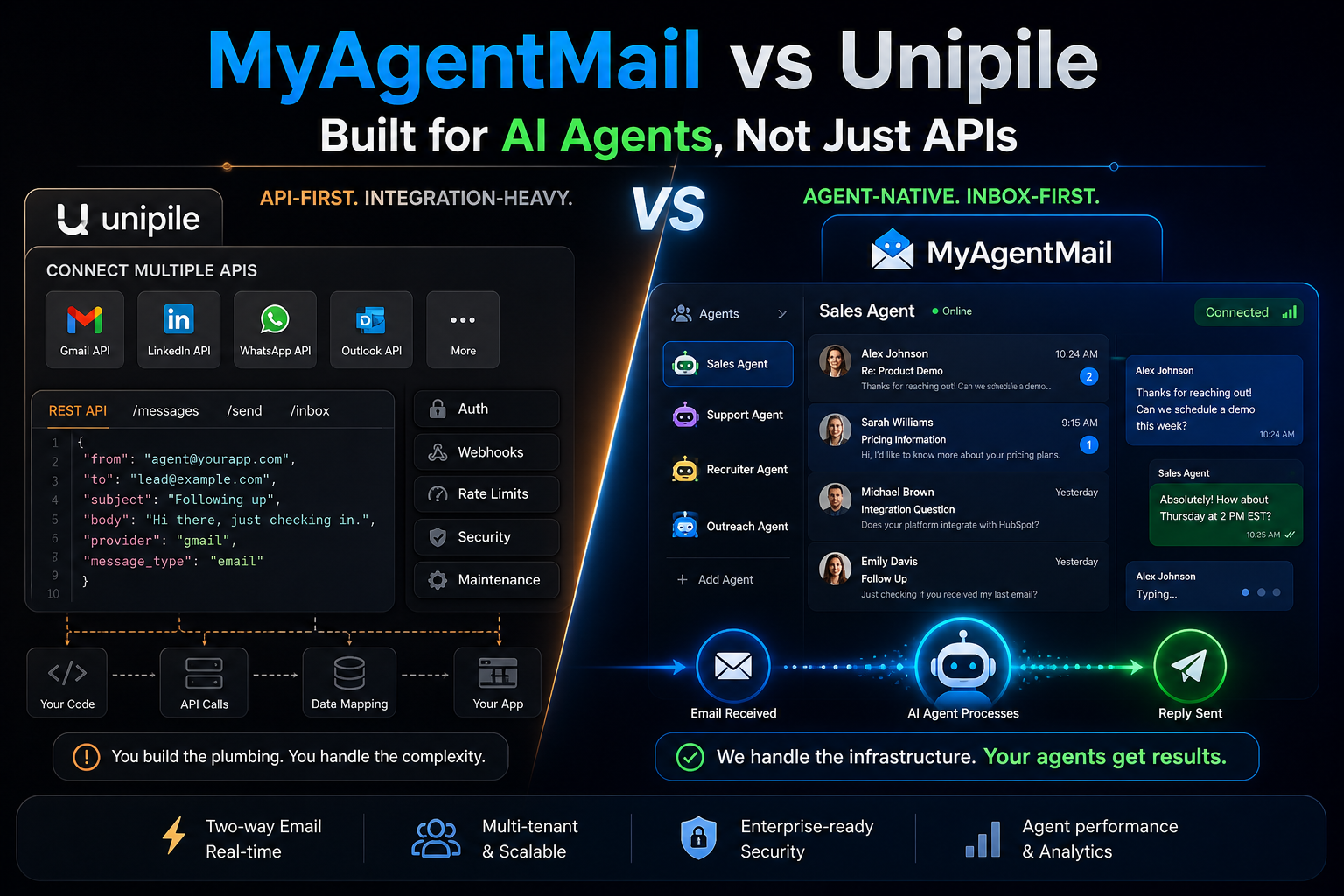
- Comparing tools? Read MyAgentMail vs Unipile.
- Pair it with email: why AI agents need their own email identity.